Why Your Site Audit Tool Is Missing Half Your Pages
By Seth Black · Published · Updated
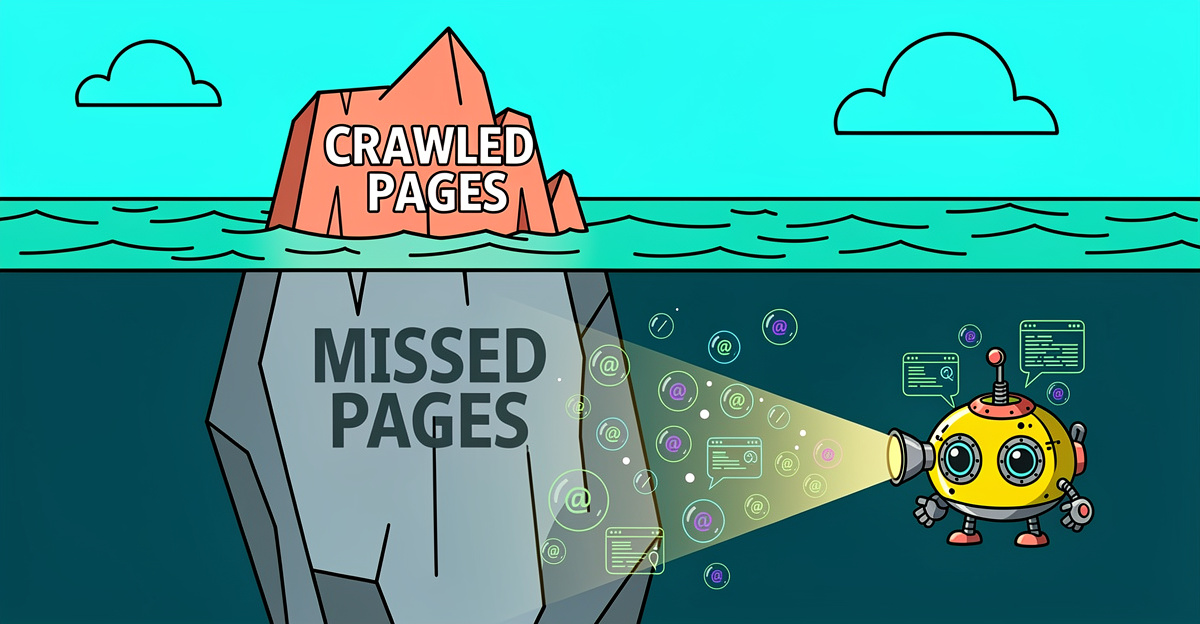
Most SEO crawlers find URLs the same way a bored intern would: open the homepage, click every link, repeat. That’s fine for a 12-page brochure site from 2009. On anything larger, you’re missing pages and calling the audit “clean.”
Here’s what actually needs to happen, and how to tell if your current tool is doing it.
The seven places URLs hide
A URL shows up in a crawl for one of a few reasons. Your audit tool needs to handle all of them, not just the easy one.
- Internal links in server-rendered HTML. The baseline. Every crawler does this.
- Internal links added after JavaScript runs. Router links, links injected during hydration, links in components that only mount after a user event.
- URLs in your XML sitemap. Including the ones nobody links to internally because someone forgot.
- URLs in
robots.txtsitemap directives. Sometimes there are three sitemaps and only one is referenced from/sitemap.xml. - Pagination and infinite scroll. If page 2 only appears after a scroll event fires, good luck.
- Form-reachable pages. Search result pages, filtered category views, anything behind a GET form.
- Pages linked from external sources. GSC knows about them. Your crawler probably doesn’t.
If your tool only handles the first one, most of your site is invisible to it.
What incomplete coverage actually costs you
A client of mine has a 12,000-page ecommerce site on Next.js. Their old crawler found 4,000 URLs. The audit said 98% of titles looked good and they shipped it. Two weeks later, a junior PM noticed half the category pages had a canonical pointing at staging.theirdomain.com. Those URLs were in the sitemap the whole time. The crawler never touched them.
The orphan page report is meaningless because the pages that would have proved the orphans weren’t orphans never got crawled. The duplicate title report misses the duplicates that live on the uncrawled pages. The internal link graph is a cartoon of the real one. Bad input, bad everything else.
If you’re dealing with this at scale, enterprise SEO audit strategies for large URL inventories are worth reviewing before you trust any coverage number from a standard tool.
How to test what your tool is actually finding
Two things worth doing before you trust any coverage number.
Check one. Run your crawler on a site with a big sitemap. Compare the crawled URL count to the sitemap count and to “Pages indexed” in GSC. If the crawler number is a lot lower, the tool isn’t ingesting the sitemap, or it hit a cap it didn’t tell you about.
Check two. Pick a category page that uses a client-side router. View source. The product links probably aren’t in the raw HTML. Now check the crawl report. If those product URLs aren’t listed, your crawler isn’t rendering JavaScript, or it’s rendering and then not following what it finds. This is exactly the failure mode described in why JavaScript crawls miss client-side router links.
Plenty of tools render the first 500 pages and then quietly fall back to raw HTML for the rest because rendering is expensive. Read the footnotes on your plan. This is one of the core ways all-in-one SEO tools produce misleading technical audit results without ever flagging the gap.
For ecommerce specifically, incomplete crawl coverage makes it nearly impossible to surface the canonical and pagination issues that matter most when you audit an ecommerce site for technical SEO issues.
What BSA does differently
Two passes, neither of them capped. Crawl from the homepage with --spa so links that only exist after JavaScript runs get rendered in headless Chrome and followed. Then crawl the XML sitemap directly with --is-sitemap. Diff the two URL lists and the gap is your orphan list, your broken internal linking, or both. No URL cap that quietly kicks in at 501, and no sampling once rendering gets expensive. If a page is linked or listed in a sitemap, BSA finds it and checks it.
That’s the whole point of running the audit in the first place.
Want to run this audit on your own site? Free 14-day BSA trial — no credit card.
-Sethers