What's the Best SEO Audit Tool? The Engineer's Answer.
By Seth Black · Published · Updated
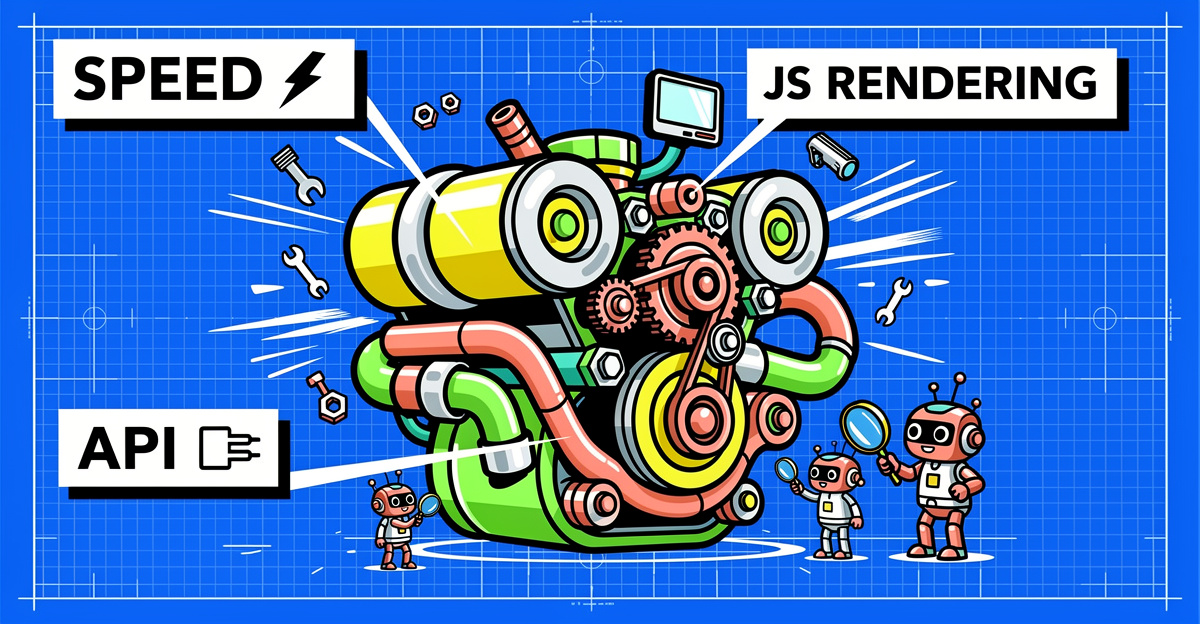
Every few months someone asks me which SEO audit tool is “the best.” I used to try to give a real answer. Now I ask them back: best for what?
A keyword researcher at an agency and a programmer running a headless ecommerce site on Next.js do not want the same thing. One needs clean charts for a client call. The other needs a crawler that can render React without pretending. Different jobs, different tools.
Every “best SEO audit tool” roundup I open has the same shape anyway: a table of checkmarks, a star rating nobody earned, a pricing grid that ends in “Contact Sales,” and an affiliate disclosure at the bottom. None of it tells you whether the tool can crawl your site.
Start with what your week looks like
Before you pay anyone, write down what you actually do all week. Not what the sales page promises you’ll do once you’ve “unlocked insights.”
If your week is content briefs and rank tracking, the audit is a side feature for you. Buy the suite. If your week is reading logs, arguing with a programmer about canonical tags, and writing tickets that reference specific URLs, you want something else entirely.
If you’re a VP who wants a traffic-light dashboard, a dedicated crawler probably isn’t for you, and that’s fine.
The things that actually matter
JavaScript rendering fidelity
Half the sites I look at render primary content client-side: product grids, category listings, internal links injected after hydration. A crawler that reads raw HTML sees an empty page and either reports false errors or, worse, reports a clean site that isn’t.
The test is simple. Crawl a React or Vue page you know renders fine in a browser. Does the tool see the H1? The canonical? The internal links that only exist after JavaScript runs? Does it follow them? Plenty of tools claim rendering and then quietly cap it, or render the first few hundred URLs and fall back to raw HTML for the rest. Read the footnotes. The JavaScript rendering failures most crawlers miss are exactly the ones that tank traffic.
Coverage and crawl limits
Can it crawl the whole site? If the tool stops at 10,000 URLs and your site has 400,000, you’re auditing a quarter of the problem. “Unlimited” sometimes means “unlimited until our sales team calls.” Also check how it finds pages. A crawler that only follows links will miss orphans, and your audit tool may be missing half your pages for that reason alone.
Speed
If a crawl takes eight hours, you run it once a month, three deploys go by, and the broken canonical from the first one is baked into a thousand URLs. If it takes a few minutes, you run it after every meaningful change. Speed changes behavior more than any feature does.
Getting the data out
Can you run it from a command line? Can you get JSON or CSV you can pipe into your own scripts, database, or CI job? Can you diff two crawls without clicking through a UI? If the answer is “export a PDF and email it,” that’s a reporting layer, not an engineering tool. That’s fine if your deliverable is a slide deck. It falls apart the moment you want a build to fail on a regression.
Automation
Can you run audits on a schedule without a human pressing Start? If every crawl needs someone to open an app and click a button, people stop running crawls. The tool you can automate is the one that gets used.
Signal over score
A score out of 100 and a donut chart have never taught me anything about a site. Half of most canned reports is noise: missing meta descriptions on paginated archives, H1 warnings on pages that intentionally don’t have one. After a week of clicking through warnings that don’t matter, people start ignoring the report, including the one warning that does. You want severity you can filter on and findings tied to specific URLs.
Pricing that doesn’t need a procurement cycle
If I have to loop in legal to try a tool, I’m not trying the tool. Per-seat and per-site pricing also punish you for growing.
The 30-minute test
Skip the demo call. Pick one real problem on your production site, something you already know is broken or something a stakeholder keeps asking about. Then time yourself.
Can you get from opening the tool to a URL, a line of evidence, and a fix recommendation in under 30 minutes? If yes, keep it. If not, move on. I’ve watched expensive tools fail this test and free scripts pass it. The test measures the only thing that matters: time from “we have an issue” to “we shipped a fix.”
What you need depends on who you are
- Programmers want raw data, a CLI, structured output, and rendering that matches a real browser. No donut charts.
- Agencies need the raw data plus a report a client can read without another vendor’s logo on it, and pricing that survives client number fifty.
- In-house SEOs need findings that map to code changes, because an audit with 400 “issues” and no templates attached gets closed by the engineering team and forgotten.
- Marketing teams living in keyword research all day are usually best served by the suite they already pay for.
If you’re comparing specific tools, I’ve written up where Screaming Frog runs into walls on modern sites and how Ahrefs and Semrush site audits compare for purely technical work.
Where BSA fits
I built Black SEO Analyzer because the tools I was using kept failing those checks, usually two or three at a time. It runs locally on Windows, macOS, or Linux as a CLI and a GUI, renders JavaScript in headless Chrome, runs 16 analysis modules covering 300+ issue types, and writes JSON, CSV, XML, or HTML you can do something with. Pricing is a one-time license with lifetime updates: $279 for a single license, $1999 for agencies. It’s built for the person who reads server logs for fun.
The honest part
No tool replaces a programmer who understands the site. The best audit tool gives you accurate data fast enough that a human can think about it before the next sprint starts. Everything else is decoration.
Pick the tool that passes your 30-minute test. Then actually use it.
Want to see if BSA passes your 30-minute test? Try it free for 14 days, every feature, no page limit, no credit card, no sales call.
-Sethers