What Your SEO Audit Software Is Missing (And How to Find It)
By Seth Black · Published · Updated
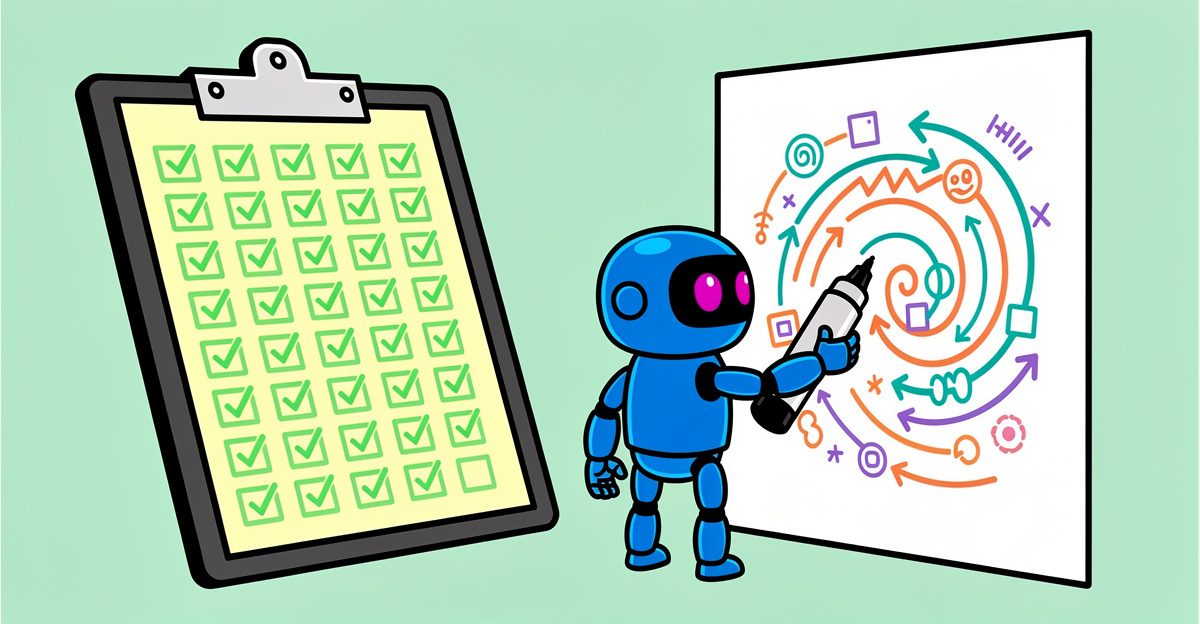
Every SEO crawler on the market checks the same 50 things - title tags, meta descriptions, H1s, canonicals, status codes, image alt text. Necessary, yes. Also the same stuff every other site is already optimizing for, which means the obvious wins aren’t where your real problems are hiding.
Your real problems are weird. They’re specific to your stack, your CMS, your content model, the decisions some programmer made three years ago that nobody has touched since. A canned report isn’t going to surface those. A canned report is going to tell you 14,000 images are missing alt text and call it a day.
The stuff the default checks miss
Here’s a short list of things I’ve actually needed to pull from client sites that no stock audit tool would give me:
- Product prices on category pages, to cross-check against the feed going to Google Merchant Center.
- Author names and bylines, to find orphaned author pages and E-E-A-T gaps.
- Specific Schema properties, like
aggregateRatingvalues oroffers.availability, to see which templates were silently dropping fields after a CMS update. - Publish dates versus last-modified dates, because somebody was updating articles and not updating the timestamp.
- Internal campaign parameters bleeding into canonical tags (yes, this happens, and yes, it’s bad).
- The presence of a specific tracking pixel on checkout pages only.
Not one of those shows up on a pre-built dashboard. You have to go get it.
Why custom extraction changes the audit
This is what separates a crawler you tolerate from a crawler you rely on. If the tool lets you write a CSS selector or regex and pull whatever you need from the HTML, you’re running your own audit instead of the vendor’s.
BSA doesn’t have a point-and-click extractor. It does something I like better: it stores the full HTML of every crawled page in a local SQLite database, so any selector or regex you can write runs across the whole crawl:
import re, sqlite3

db = sqlite3.connect("crawl.db")
for url, html in db.execute("SELECT url, html_content FROM pages WHERE status_code = 200"):
    m = re.search(r'class="product-price"[^>]*>([^<]+)', html or "")
    print(url, m.group(1).strip() if m else "MISSING")
Then you export it, join it against your sitemap, diff it against last month’s crawl, pipe it into a Python script - whatever your workflow needs.
I had a client whose reviews were disappearing from rich results. No tool caught it because the Schema was technically valid, just empty. I wrote a short script that pulled review.reviewBody across 40,000 product pages. About 8,000 had blank review bodies where the CMS was rendering an empty <span>. That’s the whole audit. One extraction, one pivot table, one fix in the template.
How to think about it
When you start a new audit, write down two lists:
- The standard stuff. Status codes, canonicals, hreflang, Core Web Vitals, internal links. Run the defaults.
- The weird stuff. What is specific to this site? What did the last migration probably break? What does the content team keep complaining about?
The first list is table stakes. The second list is the actual reason someone hired you.
If your current tool can’t handle list two, it’s a checklist generator with a nice UI, not an audit tool. If you’re evaluating options, the honest breakdown of which SEO audit tool actually fits your workflow is worth reading before you commit to anything.
Try it on your own site
BSA keeps the full HTML of every crawled page in SQLite, so extraction is a query or a short script away - CSS selectors, regex, pick your weapon. Free 14-day trial, no credit card, no sales call. Point it at the site that’s been giving you weird problems and see what comes back.
One-time license, no subscription. Pricing — or start a free trial first.
-Sethers