Auditing Faceted Navigation: Find and Fix Your Crawl Budget Sinkhole
By Seth Black · Published
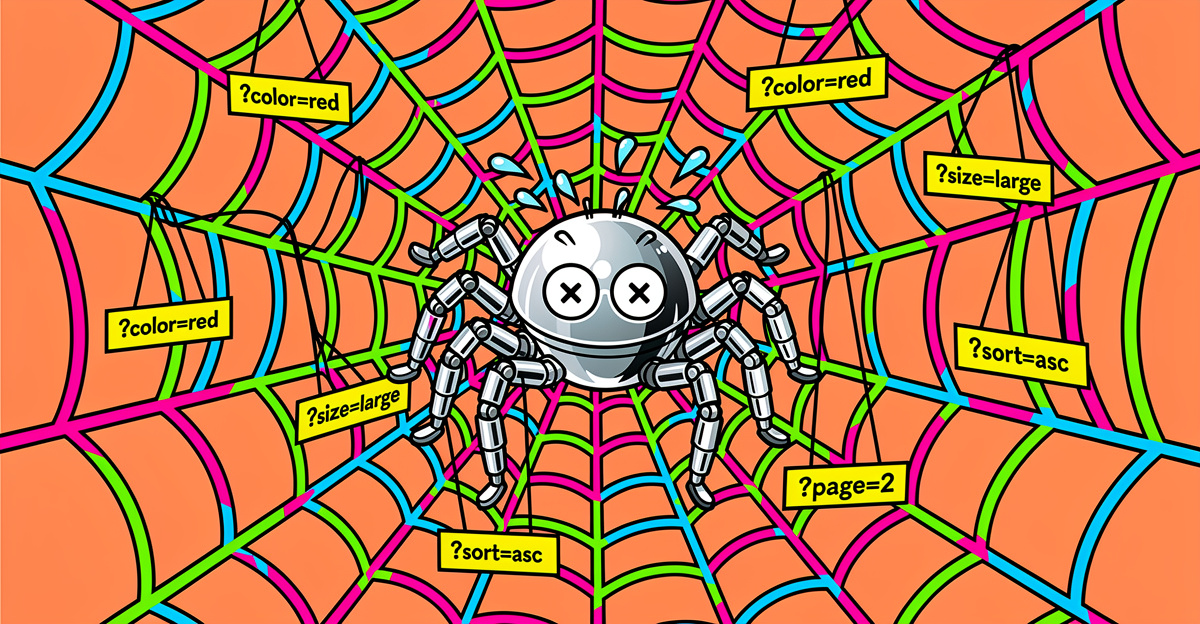
Faceted navigation is the fastest way to turn a healthy ecommerce site into a URL landfill. One team adds a “shop by material” filter, another adds a price slider with five buckets, and now every category page has a few thousand variations Googlebot can reach through links you forgot existed. A shopper clicks “size 10,” then “blue,” then “in stock,” then “sort by price.” Four clicks, one happy customer, and one more URL for Google to fetch.
I once audited a store with 3,200 products and twelve facets where the crawlable URL count was north of 8 million. Nobody had ever checked what the filter UI was generating.
Treat it like a debugging problem. Log files, a crawl you actually read, and a clear rule per parameter get you most of the way there.
Start with the log file, not the sitemap
Sitemaps tell you what you want crawled. Logs tell you what’s actually getting crawled. Pull 30 days of verified Googlebot requests, strip query strings down to parameter keys, and count by pattern.
On one audit, the sitemap had 12,000 product URLs. Googlebot was making 400,000 requests a month, and 71% of them landed on ?sort=, ?page=, and ?filter.color= combinations. The actual products were getting crawled about once every six weeks.
If you don’t have log access, push for it. Search Console’s Crawl Stats report is a sample, not a ledger. If the problem turns out to be broader than facets, with internal search pages, tag archives, and variants also piling into the index, run the index bloat audit alongside this one.
Sort every parameter into four buckets
- Money pages. Facet combinations that get clicks in Search Console or have real inbound links. A
/shoes/running/nikepage might rank. Keep it indexable, link to it, and give it its own title and description. - Useful but duplicate. Sort orders, view toggles, items-per-page. Shoppers need them. Google doesn’t need to index them. Canonical to the clean URL and stop linking to the variants in crawlable links where you can.
- Pure noise. Session IDs, tracking parameters, and multi-filter combinations nobody will ever search for. Keep Google from crawling them.
- Unknown. The ones you can’t classify yet. Leave them alone until you have data.
The usual mistake is going straight to robots.txt with a wildcard and wiping out the money pages along with the junk. Zero facet URLs isn’t the goal. Keeping the handful that earn traffic and making Google stop wasting time on the rest is.
Canonical, robots.txt, or noindex
Each one does a different job, and mixing them up is the most common faceted navigation bug I find.
- robots.txt
Disallowstops the crawl. Google won’t fetch the page, so it won’t see a canonical or anoindexon it. Use it for crawl waste you’ve confirmed has no value and no external links. rel="canonical"consolidates signals. The URL still gets crawled, but signals flow to the target. Use it for sort orders, view toggles, and near-duplicate facets.<meta name="robots" content="noindex">keeps a page out of the index while letting Google crawl it and follow its links. Use it for thin facet pages you want reachable but not ranking.
A canonical on a page blocked in robots.txt does nothing, because Google can’t read the tag on a page it can’t fetch. The same goes for noindex. I find this canonical-plus-disallow combination on most facet audits.
Check what your canonicals actually do across a facet cluster
Spot-checking three filter pages tells you nothing. You need the canonical, status code, and parameter set for every facet URL, grouped by parameter. When I run this in Black SEO Analyzer, every page’s HTML, status code, and redirect target go into a local SQLite database, so pulling canonicals and grouping them by parameter key is a short script. Then I look for:
- Self-canonicals on filter combinations. A filter page pointing at itself is asking to be indexed. Usually wrong unless it’s a money page.
- Canonical chains. A filter canonicals to a category, which canonicals to another URL, which redirects. Pick one destination. The canonical tag audit has a script that resolves these.
- Canonicals to non-200 URLs. Surprisingly common. Always wrong.
- Sort order creating new canonical targets. Sorting should never produce an indexable URL.
Export the parameter set, pivot by facet name, and the bad patterns jump out. The pivot table does more work than the crawl.
The playbook
After cleaning up enough of these, the rules are short:
- Keep the 10 to 20 facet pages that earn traffic as real, indexable URLs with their own titles and descriptions.
- Canonical near-duplicates to the parent category.
- Keep junk combinations out of the crawl, and make sure nothing you’ve blocked is also carrying a canonical you’re relying on.
- Never let sort order, view mode, or tracking parameters create an indexable URL.
- Remove internal links to anything you don’t want crawled. Robots rules don’t fix links that keep pointing at the wrong place.
Check the logs again after you ship
Re-crawl the site with a crawler that respects robots.txt, then compare against the logs two weeks later. If Googlebot is still spending 40% of its requests on ?filter.* URLs, your rules aren’t matching what you thought, or a template is still linking to the patterns you blocked.
Faceted navigation problems are loud once you know where to look. The log file tells you almost everything. Most teams just never pull it.
Want to see what your filters are generating? Try BSA free for 14 days, every feature, no page limit, no credit card.
-Sethers