Ahrefs Site Audit is Good. A Dedicated Crawler is Better.
By Seth Black · Published · Updated
Ahrefs is a good product. I’ve used it, I’ve recommended it, and I’ll keep recommending it to the right people. If you need backlinks, keyword gaps, and rank tracking behind one login, it earns its price. The site audit, though, has always felt like the feature they added because the category expected one, not because anyone on the team was losing sleep over crawl accuracy.
That’s fine if you use the audit as a sanity check between keyword reports. It’s a lot less fine if technical SEO is the actual job.
What you run into with the Ahrefs audit
A few things come up every time I work with teams who rely on it.
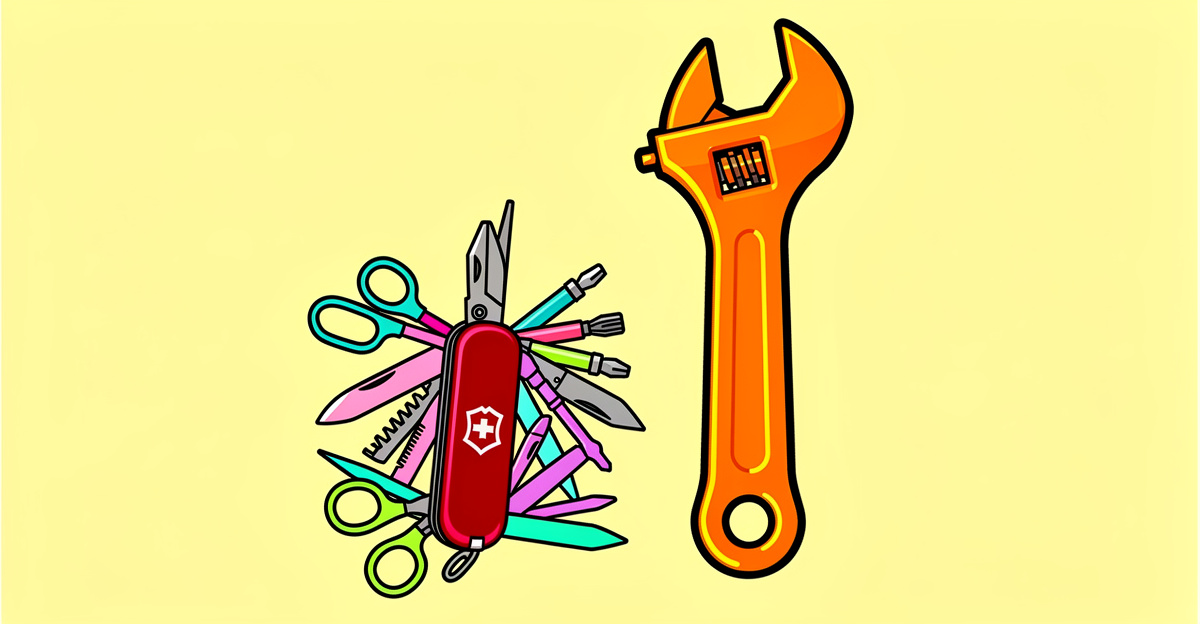
It’s tied to the suite. The audit lives inside a marketing subscription, so you’re paying for a backlink index, keyword database, and rank tracker to use one crawler. It’s renting a whole gym to use one treadmill.
Verification and project setup. Auditing through Ahrefs means setting up a project for the site, and the free Webmaster Tools route requires verifying ownership. That’s reasonable for your own domain and annoying when you just want to look at a client’s staging site or a competitor’s subdomain.
Crawl limits. Every plan has limits on what you can crawl. On a 400,000-URL site, a limit that covers a quarter of it means you’re auditing a quarter of the problem.
No access to staging behind a firewall. A hosted crawler can only reach what’s on the public internet, so pre-launch audits either don’t happen or require opening things up.
Where bundled audits fall short
All-in-one tools are built to cover everything, so the audit has to look like it belongs next to the keyword tool. You get a health score, a color, and an issue list long enough to feel thorough.
Half of it is noise: missing meta descriptions on paginated archives, H1 warnings on pages that intentionally don’t have one, redirect notices for things your CDN is doing on purpose. After a week of clicking through warnings that don’t matter, people stop reading the report, and the one warning that does matter gets ignored with the rest.
The cracks show on sites that aren’t simple WordPress blogs:
- JavaScript-heavy sites. I’ve run React sites through suite audits and gotten a clean report while half the page content never made it into the index. A crawler that doesn’t wait for the page to finish rendering reports what the server sent, not what users and Google see. The JavaScript rendering failures that fool audit tools are the ones that cost the most traffic.
- Crawl speed. If a full audit takes most of a day, you run it once a month. If it takes minutes, you run it after every deploy. That changes what you catch.
- Site-specific rules. Every large site has a rule that exists because of a decision someone made three years ago: a parameter that should be ignored, a subfolder with its own canonical behavior, an hreflang setup that made sense at the time. Canned audit templates don’t know about any of it.
- Getting the data out. Dashboards are fine for reading. They’re not fine when you want a build to fail on a regression or a Python script to compare two crawls.
What a dedicated crawler does differently
A tool built only for technical SEO gets to make different trade-offs. Engineering time goes into rendering and crawl accuracy instead of a backlink database. You can crawl the same site ten times in a day. And you can skip the health score entirely and just get a list of what’s broken, why it matters, and which URLs are affected.
What I wanted, and eventually built:
- A crawler that runs on my own machine, so staging behind a VPN is just another URL.
- No artificial page caps on a site I’m responsible for.
- Real JavaScript rendering in headless Chrome, not a checkbox that pretends.
- Performance problems flagged per page next to every other issue on that URL: unsized images, render-blocking scripts, a missing preload on the LCP image.
- Output I can hand a client without cropping out upsell banners, and JSON I can hand a script.
That’s Black SEO Analyzer. It runs locally on Windows, macOS, and Linux with a CLI and a GUI, runs 16 analysis modules covering 300+ issue types, and writes JSON, CSV, XML, or HTML. No keyword tab, no content calendar, and no email three days later asking about your content strategy roadmap. It’s a one-time license with lifetime updates instead of another subscription.
How to compare them on your own site
Don’t take my word for it, and don’t trust a feature grid. Pick a section of a site you know well, ideally one with client-rendered content and a few problems you’ve already confirmed by hand.
- Run the Ahrefs audit on that section.
- Run a rendered crawl of the same URLs with a dedicated crawler.
- Compare three things: how many URLs each one found, whether each one saw the title, canonical, and H1 that actually render, and whether the problems you already know about show up.
The URL counts alone are usually revealing. If one tool found 1,200 pages and the other found 4,000, one of them isn’t seeing your internal links.
Ahrefs is still the right call sometimes
I’ll say it again because I mean it. If you need the suite, buy the suite. A small agency running 30 client campaigns across SEO, content, and paid doesn’t want to manage six tools, and Ahrefs covers enough ground to be worth it.
The mistake is treating the audit tab bundled with a marketing subscription as equivalent to a crawler built for that one job. If your workflow is already GSC plus a keyword tool you like plus a rank tracker, a dedicated crawler slots into that without asking you to rip anything out. For a head-to-head on the two big suites, see Ahrefs vs Semrush site audits for technical SEO.
If technical SEO is what you actually do, you’ll notice the gap the first time a dedicated tool finds something the suite walked right past.
You don’t need to pay for backlink data to get a real site audit. Try BSA free for 14 days, every feature, no page limit, no credit card.
-Sethers